Atomic Diff — by Novixel
A downloadable tool
It worked yesterday. What changed?
Atomic Diff snapshots your load order, compares Current vs Known Good, and generates a Markdown help report for Discord/Reddit. Windows • Fallout 4 + Skyrim SE/AE • Local/offline.
*Atomic Diff does not optimize your load order or fix crashes. It shows what changed.*
Atomic Diff is a small Windows utility for modders who are tired of guessing why their setup broke after “one more mod.”
What it does
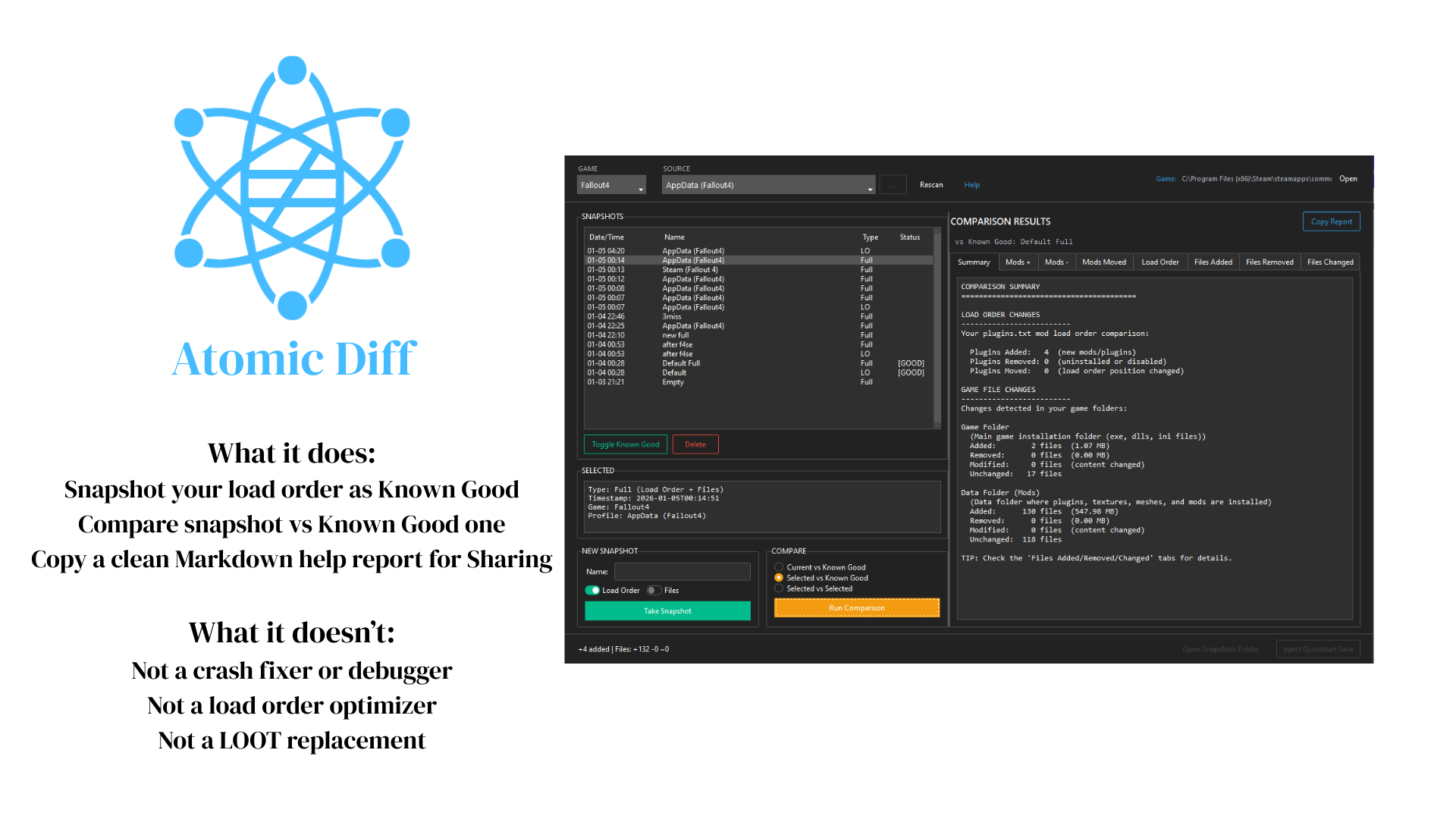
- Snapshot your load order as Known Good
- Compare Current vs Known Good (or any two snapshots)
- See Added / Removed / Moved
- Copy a clean Markdown help report for Discord/Reddit
What it isn’t
- Not a crash fixer or debugger
- Not a load order optimizer
- Not a LOOT replacement
Privacy
- 100% local/offline
- No accounts
- No telemetry
Compatibility
- Windows 10/11
- Fallout 4
- Skyrim
Launch Atomic Diff
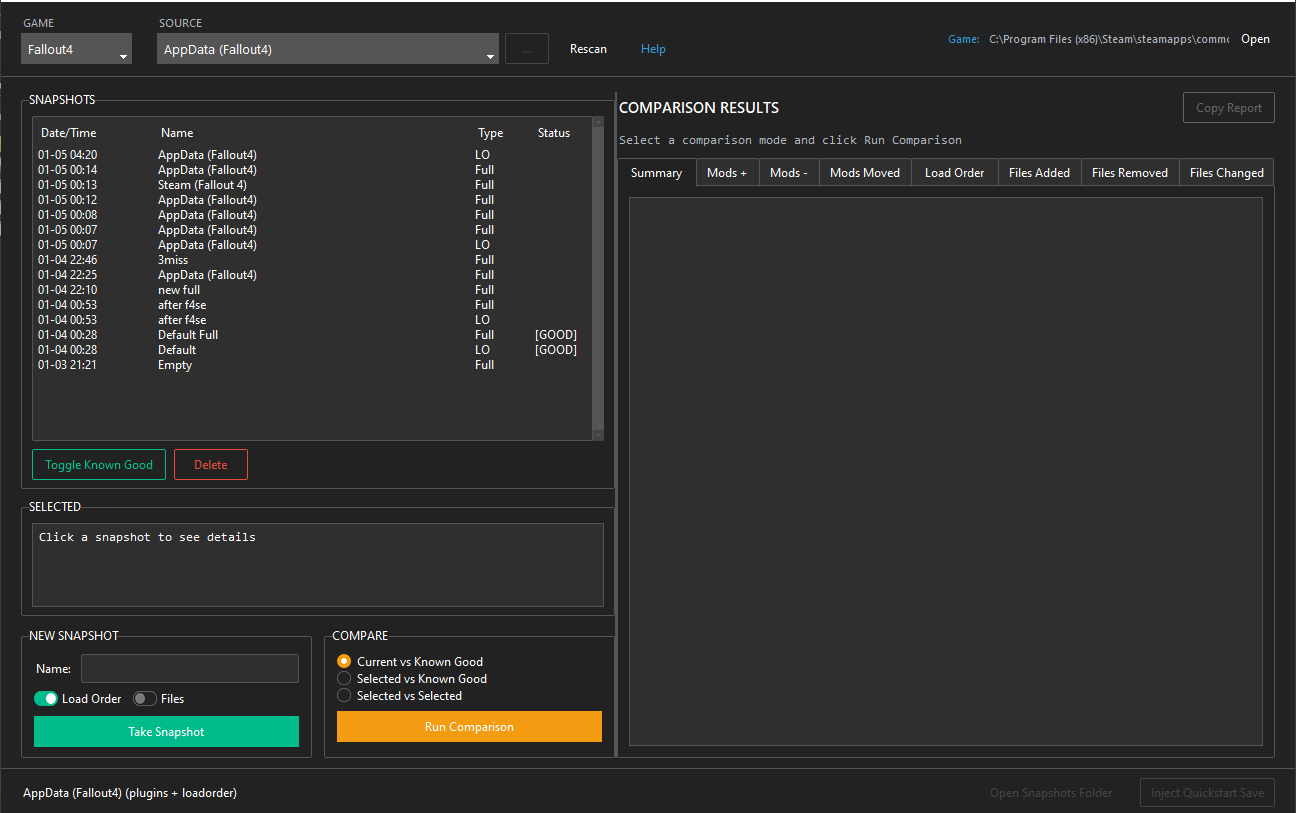
- Select game + source/profile
- Click Take Snapshot and mark it Known Good
- After changes, click Compare Current vs Known Good
- Click Copy Report and paste into Discord/Reddit
FAQ (prevents support hell)
Q: Will this fix crashes? No. It shows what changed so you can revert faster and get better help.
Q: Does it sort my load order? No. It compares snapshots and shows differences.
Q: Where are snapshots stored? In your Documents folder under Atomic Diff (local only).
Q: Is it safe? It’s offline and doesn’t touch your account. If you use Restore/apply features, it will warn you before overwriting anything.
Download
Click download now to get access to the following files: